

Request a reset email
On Sign in, tap Forgot password?. Enter your registered email and tap Send reset email. The app uses a generic response so it does not reveal whether an email has an account.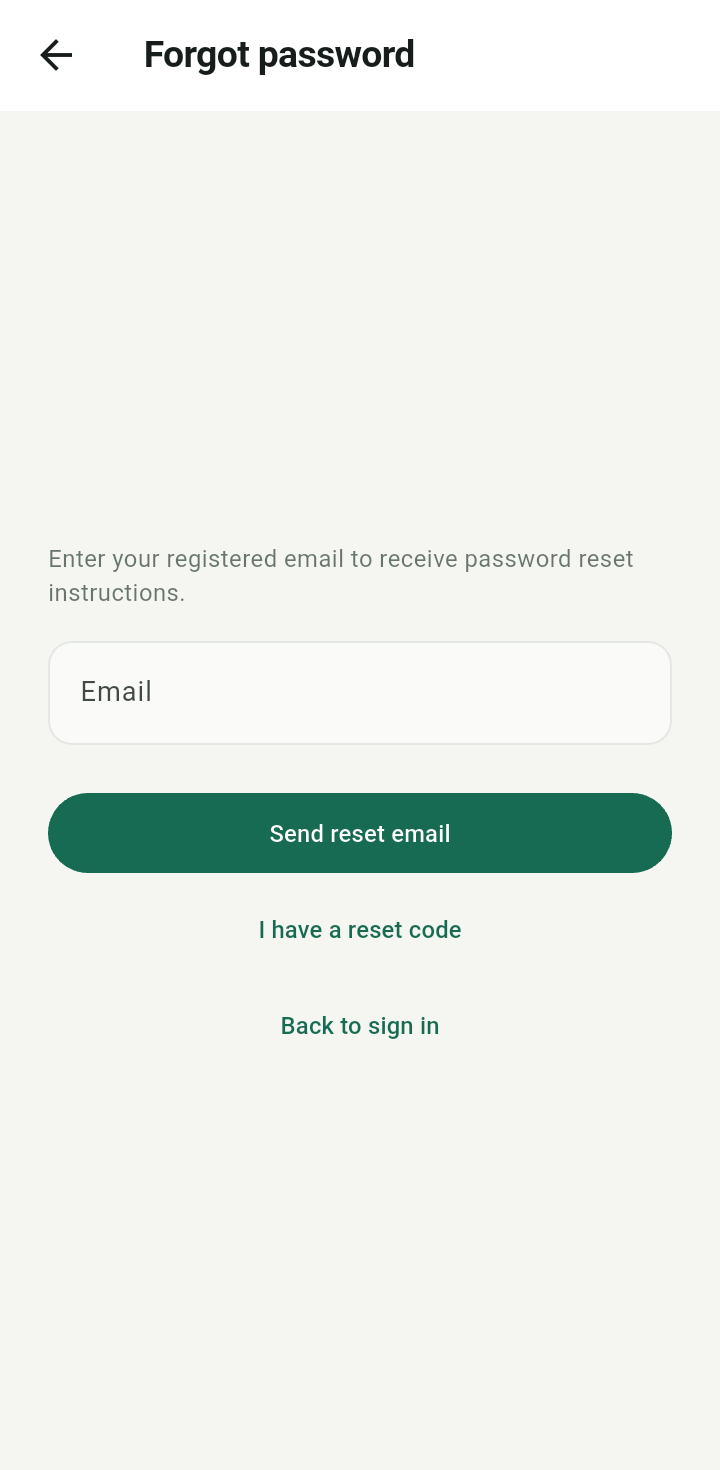
Forgot password screen with email and Send reset email
Check your inbox and spam folder. Email delivery depends on the server’s mail configuration. The local manual verifies the recovery interface; it does not claim that a reset email was delivered.Use a recovery code
Tap I have a reset code, enter the Recovery code from your email, and a New password with at least eight characters. Tap Save new password, then return to Sign in. Resetting the password ends existing sessions.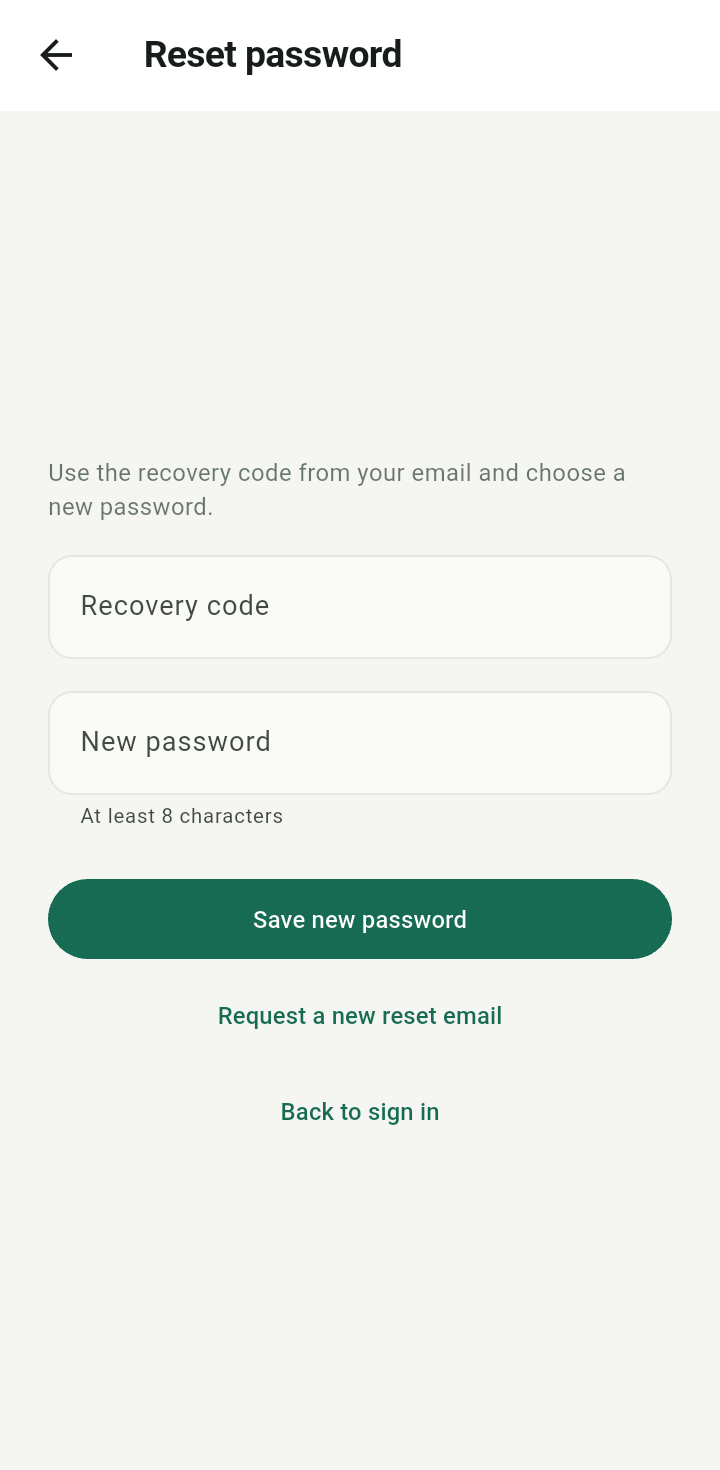
Reset password screen with empty recovery code and new password fields
Keep the code private. If it expires, use Request a new reset email. Do not share a screenshot containing the code or password.