

Change future split suggestions
On Buckets, tap Edit split percentages. Enter your preferred percentages and tap Save percentages. A total below 100% leaves part of future income available to assign. The editor reports totals that exceed 100%.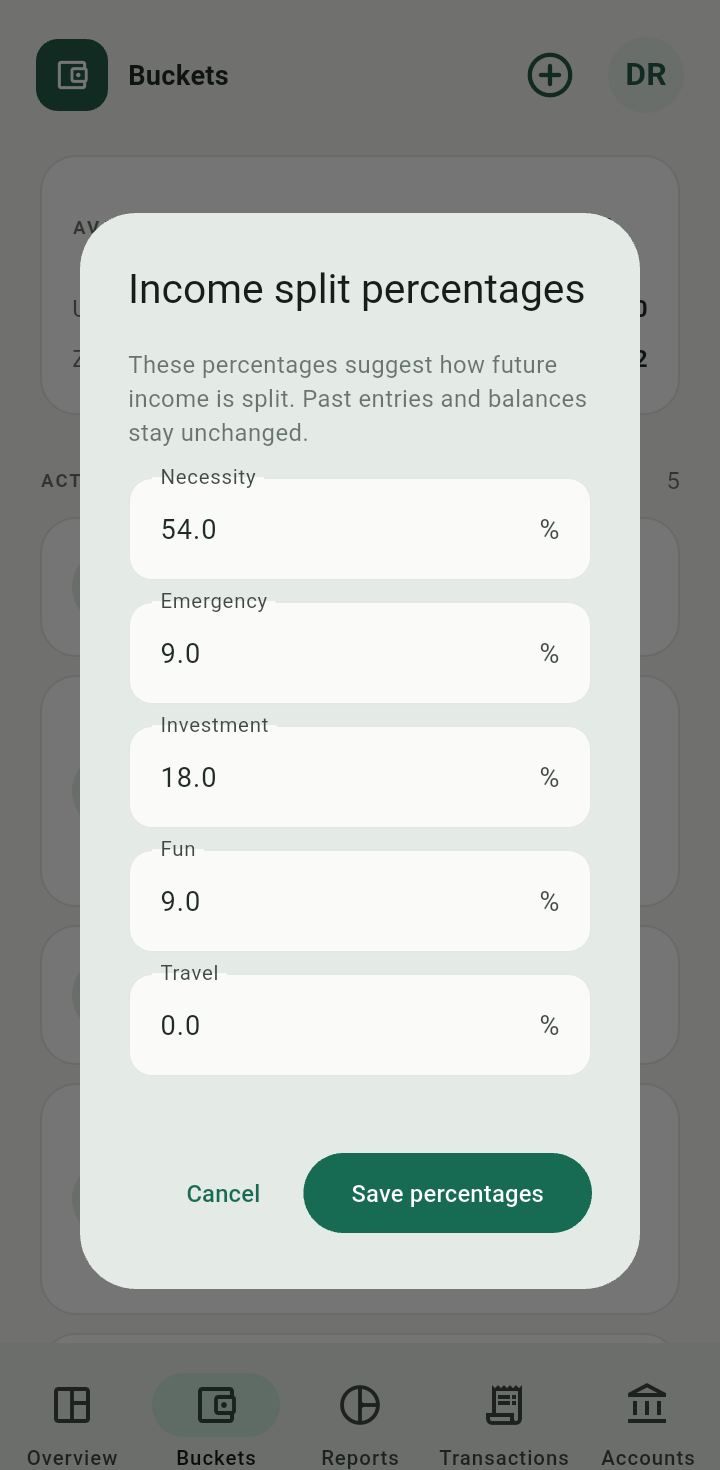
Income split percentages editor
These suggestions apply to future income. Each income form lets you change actual amounts. Earlier allocations and balances do not get recalculated when you change a suggestion.Set or edit a target
Open a bucket and tap Add target. Choose the currency, enter a positive Target amount, then Save target. Use Edit to change an existing target.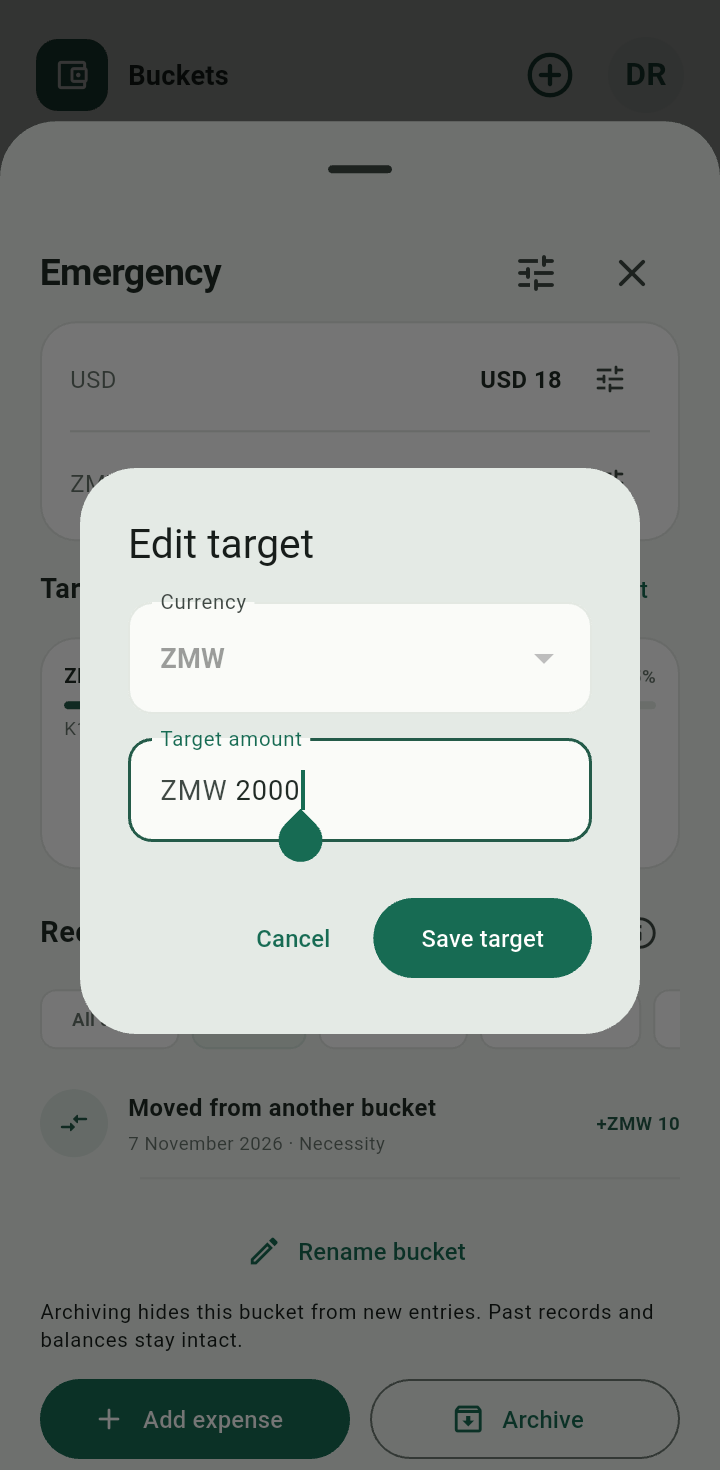
Edit the target amount without changing any recorded entries.
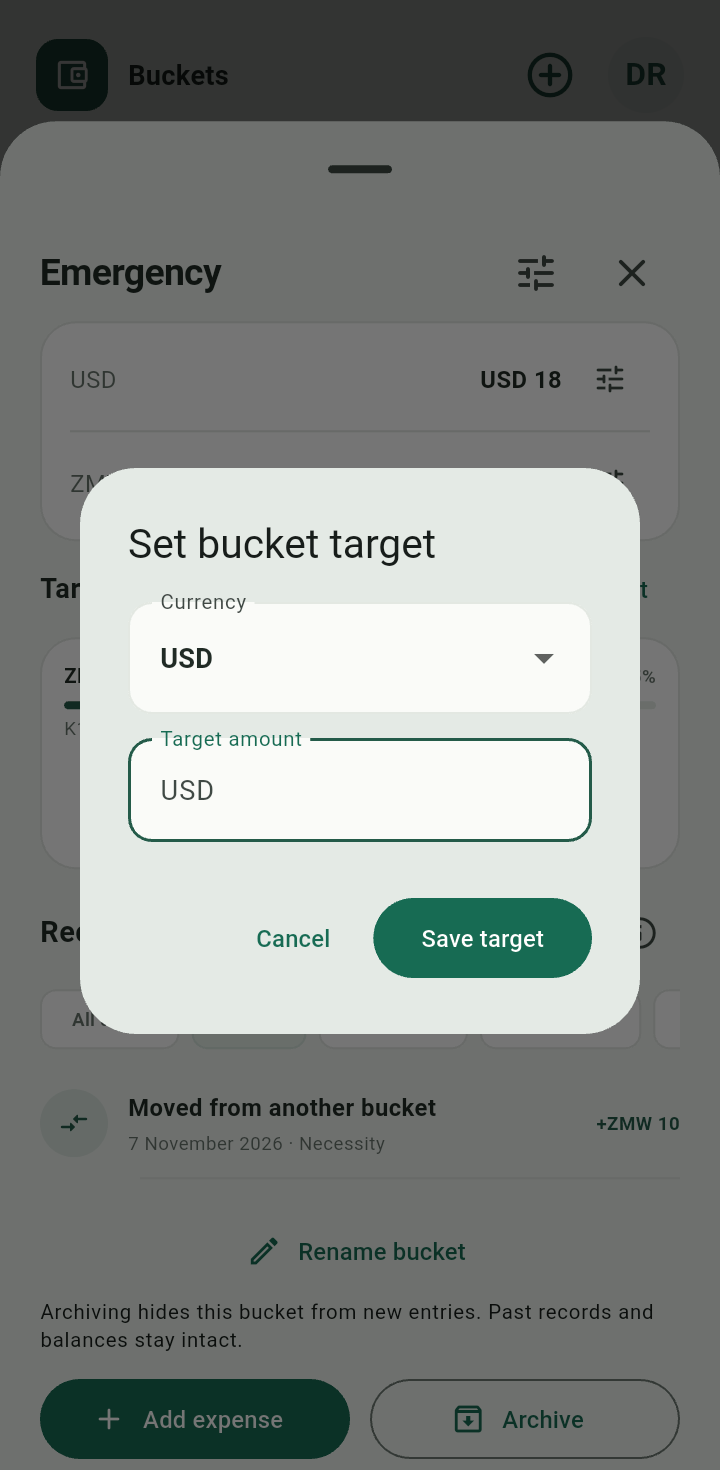
Set bucket target dialog with currency and target amount
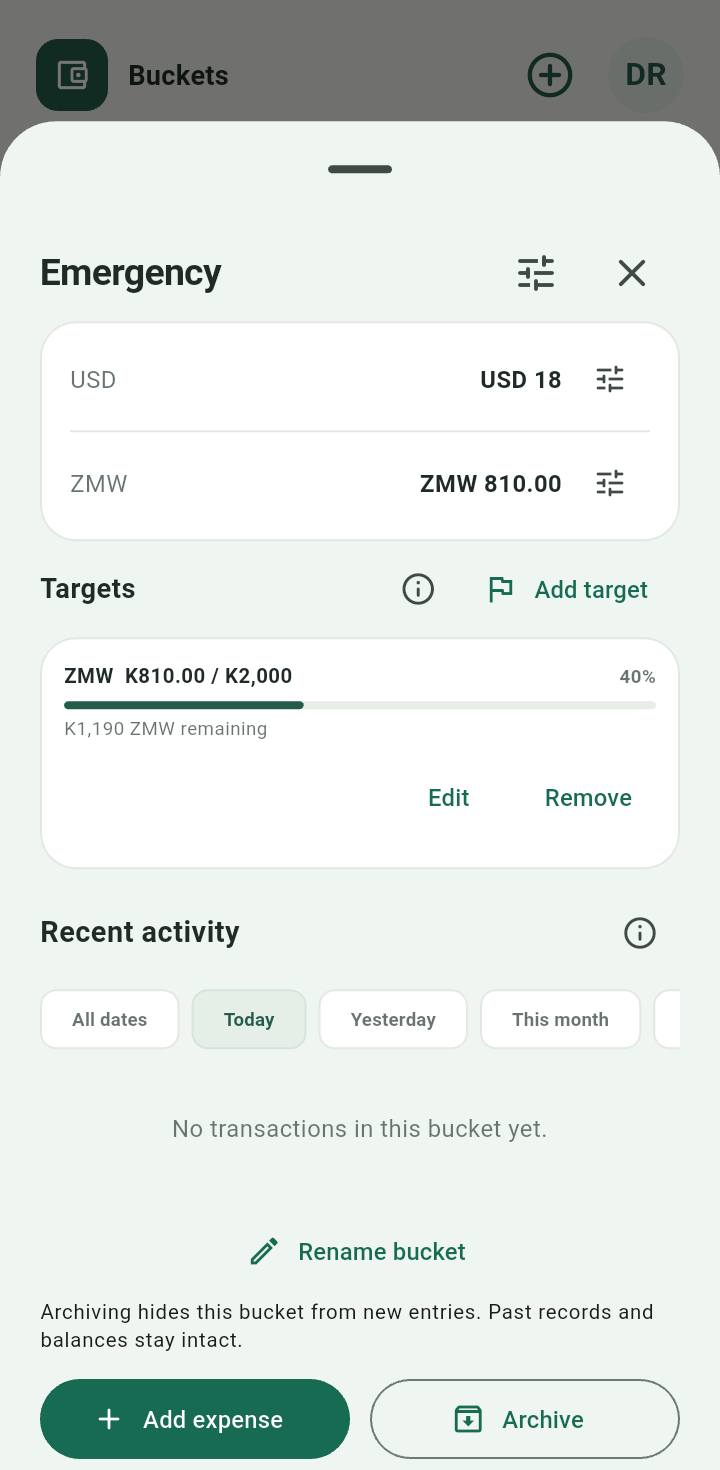
Bucket target progress and target management actions
Progress compares the bucket’s current balance with its target in that same currency. Spending can reduce progress. A target never reserves money or transfers it automatically.Remove a target or stop future allocations
Use Remove on the target to stop tracking it. When a target is reached, the app offers an explicit action to set that bucket’s future split to 0%; reaching the target alone does not change the split.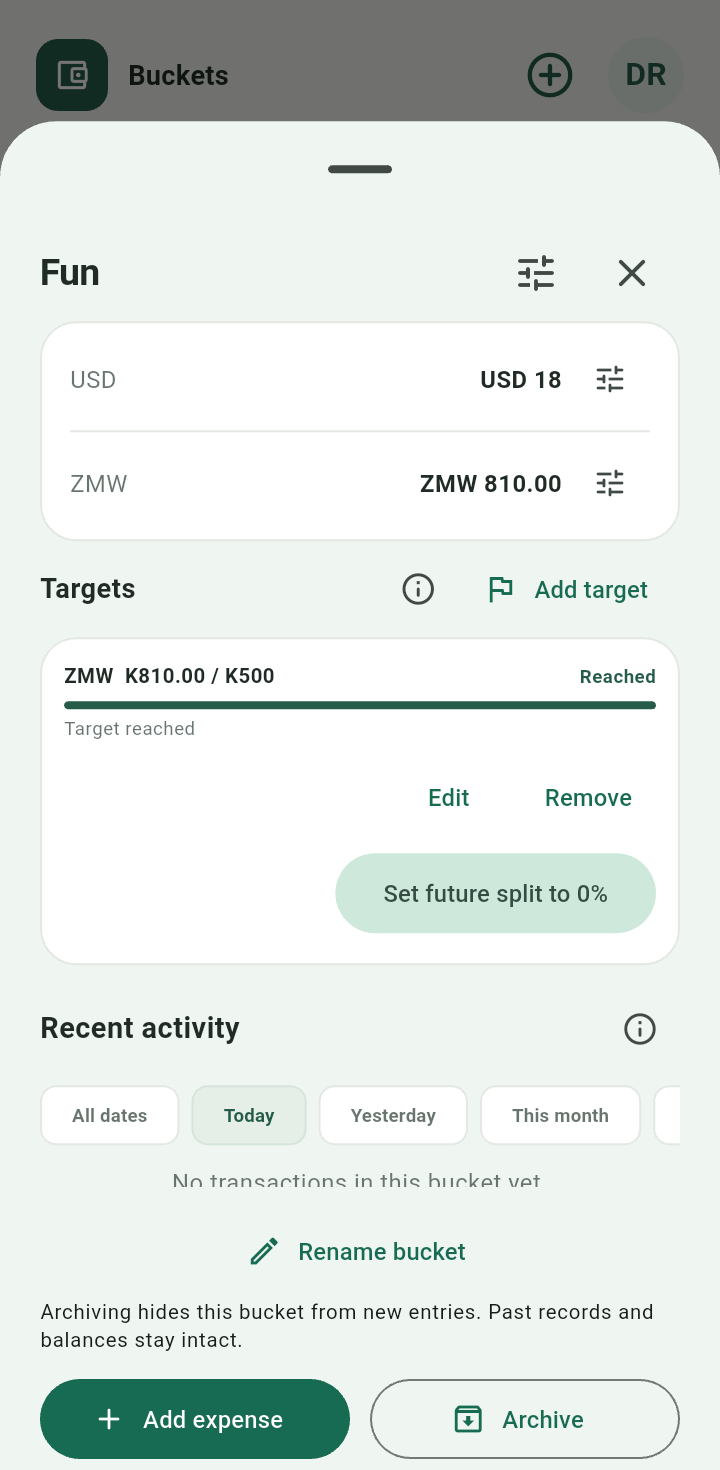
Reached target with the action to stop future allocations