

Create your account
- On Welcome back, tap New here? Create an account.
- Enter your email and a password with at least eight characters. Your name is optional.
- Tap Create account to open Overview.
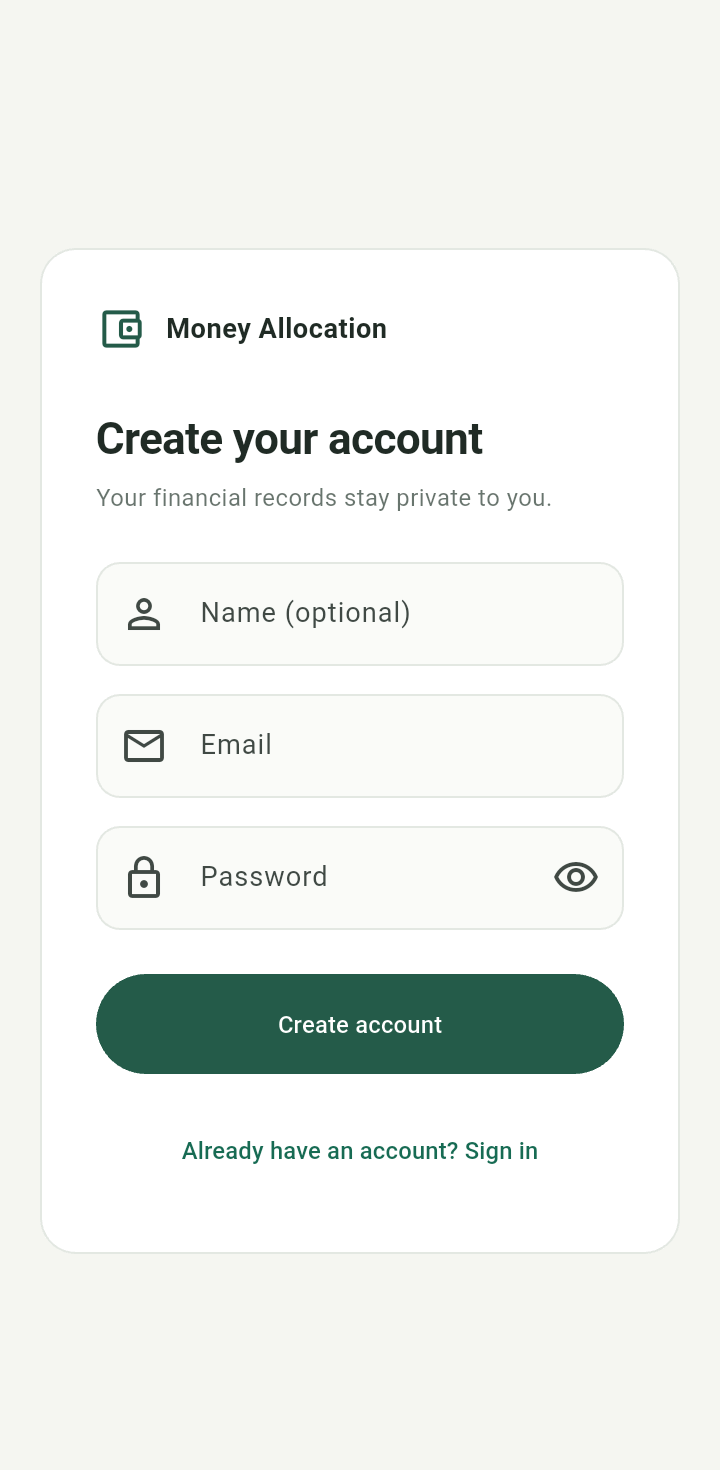
Create your account form with optional name, email, and password fields
Authentication protects your records. You do not need to finish a budgeting setup before using the app.Sign in again
Enter your email and password, then tap Sign in. The eye button shows or hides your password; keep it hidden when sharing your screen.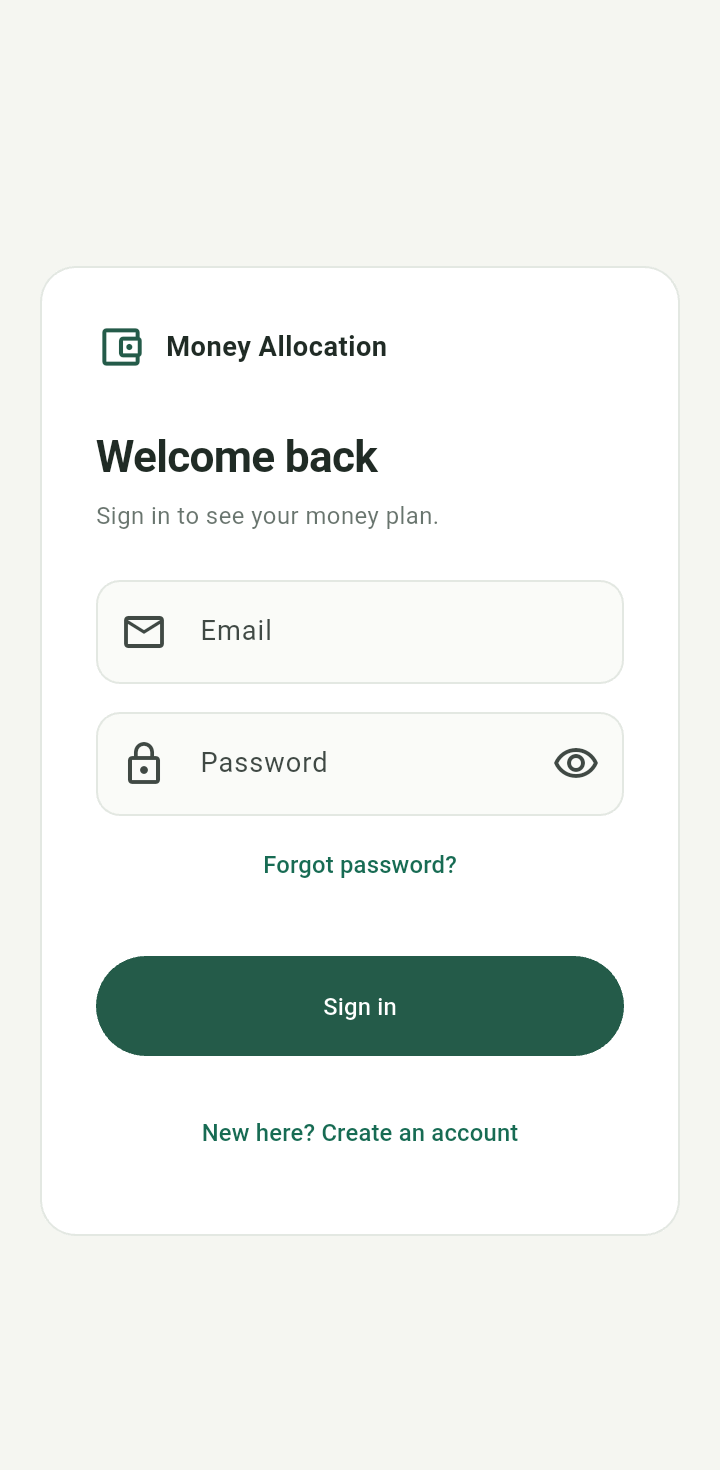
Welcome back sign-in form
Sign out
Tap your initials at the upper right, then Sign out. Signing out does not delete your entries.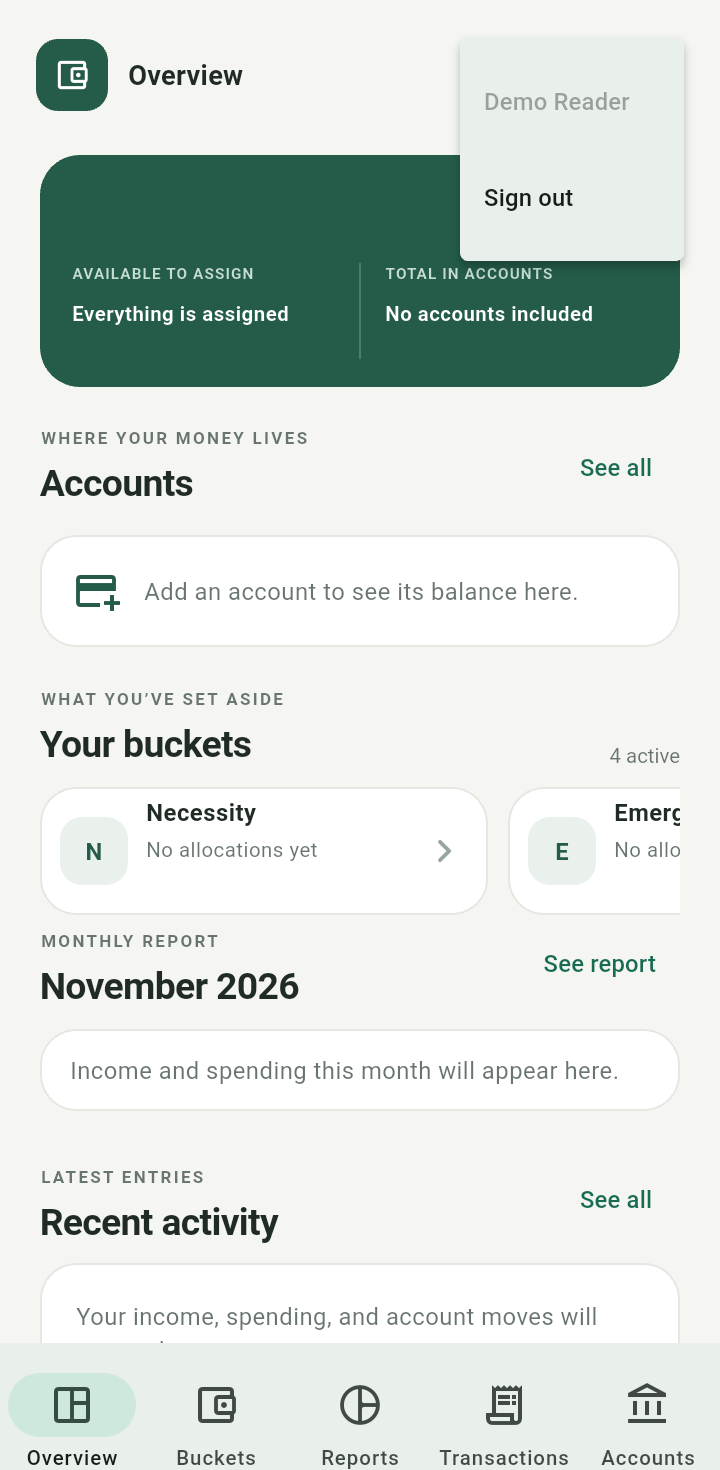
Profile menu showing Sign out for Demo Reader
For a forgotten password, see account recovery.