

Download your selected history
- Open Transactions.
- Choose the date range and transaction type you want included.
- Tap Download Excel.
- Choose a filename and location, then save in the device file picker.
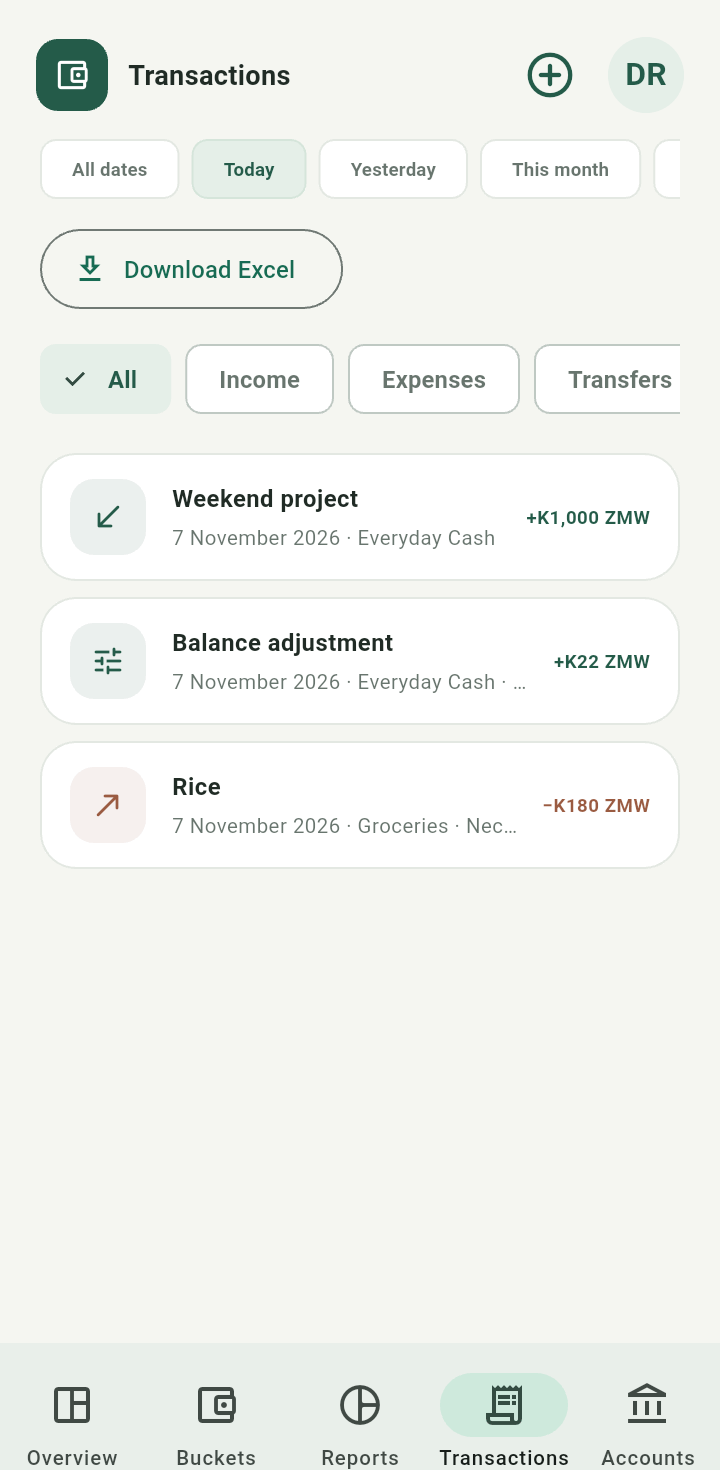
Transactions with selected filters and Download Excel action
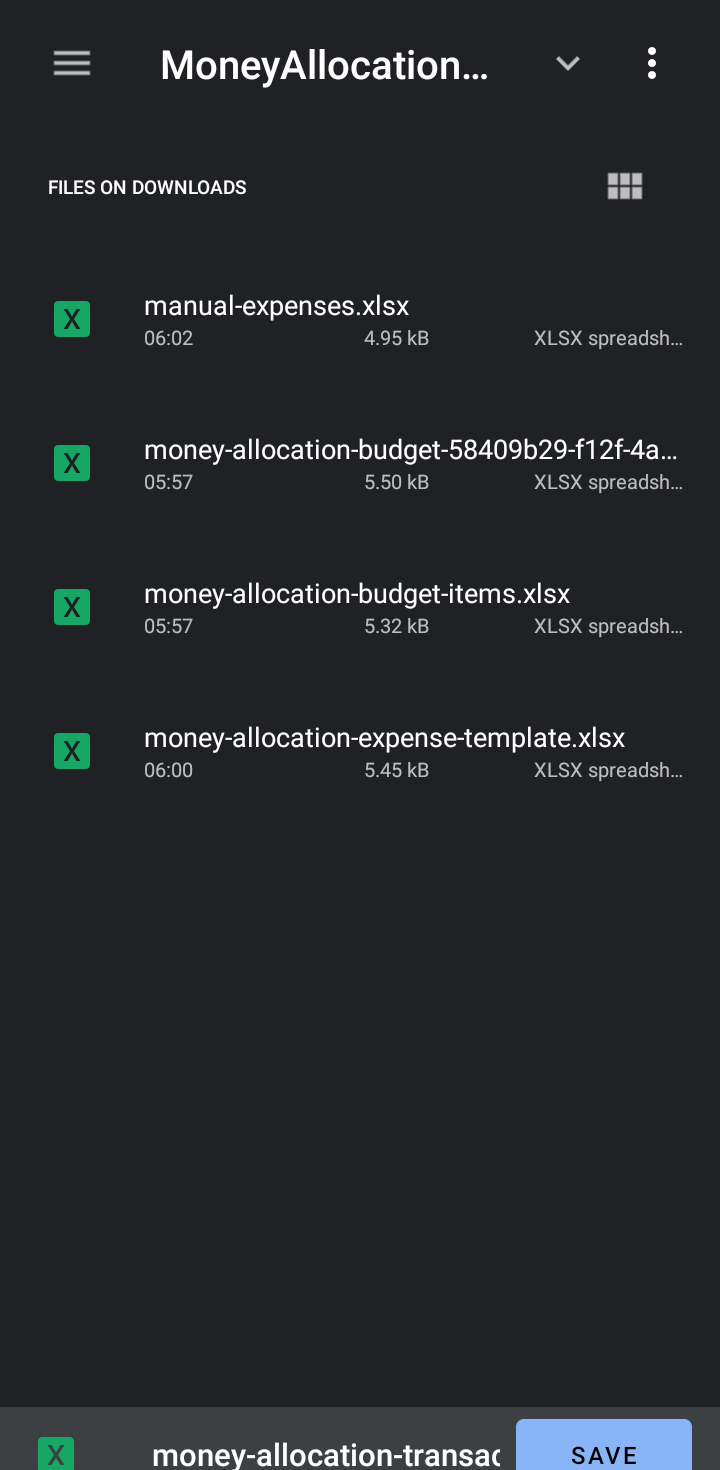
Device file picker saving a transaction workbook
The export loads matching history rather than only the rows currently visible on screen. Keep currency columns with their original amounts; do not add ZMW and USD into one unlabeled total. Exporting is read-only. A transaction export is not an automatic round-trip import format: expense import expects its own template and can create duplicates.